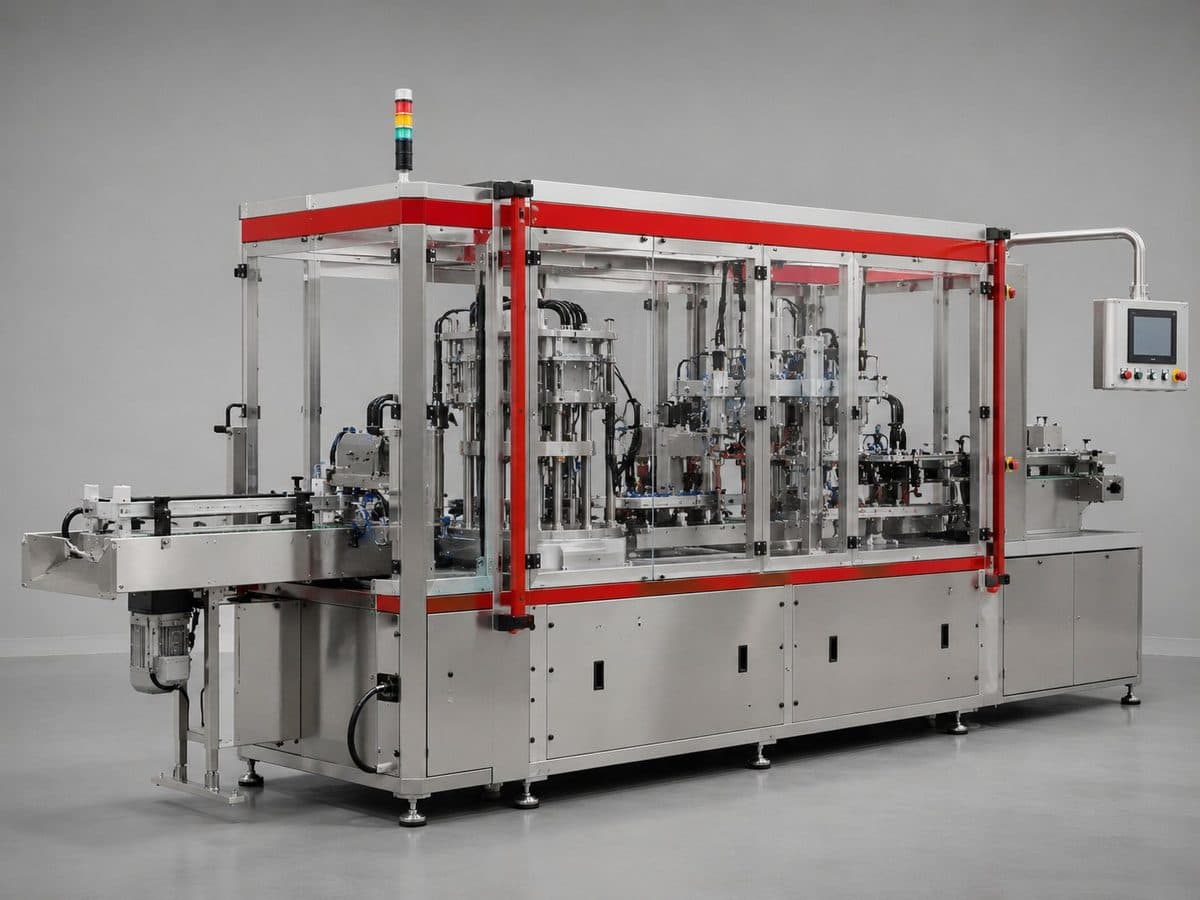
This is the article template - the layout your blog posts will use. Replace all of this placeholder text with your real content. The opening paragraph should hook the reader and make clear what they'll get from reading on. Lead with the problem or the insight, not a long wind-up.
Body paragraphs sit at a comfortable reading width and size for long-form text. Keep paragraphs short - two to four sentences. Engineering readers skim first, then read; make it easy for them to find the part they need.
A section heading to break up the article
Use section headings (H2) to structure longer posts. They help readers navigate, and they're good for SEO - search engines use them to understand what the article covers. Each heading should describe what follows in plain language.
Here's how a list looks in the template:
- Lists are good for steps, specs, or key takeaways
- They break up dense text and make scanning easy
- Keep list items parallel in structure and length
A pull quote can highlight a key insight or memorable line from the article - use it sparingly for emphasis.
A smaller subheading
Use H3 subheadings under an H2 when you need another level of structure. Below is where an inline image would sit within an article - swap the placeholder for a diagram, photo, or render relevant to the post.

Continue the article body after the image. When you write real posts, aim for genuinely useful content - a problem you solved, a technique you use, an explanation of something your clients often ask about. That's what builds authority and ranks well, not keyword-stuffed filler.
⚙ This is a template - replace all placeholder text and images with your real article content